Virus Scan
Review installed applications and identify items that need your attention, so you can decide what to keep or remove.
Keep your phone cleaner, safer and ready.
Scan installed apps, remove unwanted files and take control of the everyday details that slow your Android down.
Explore features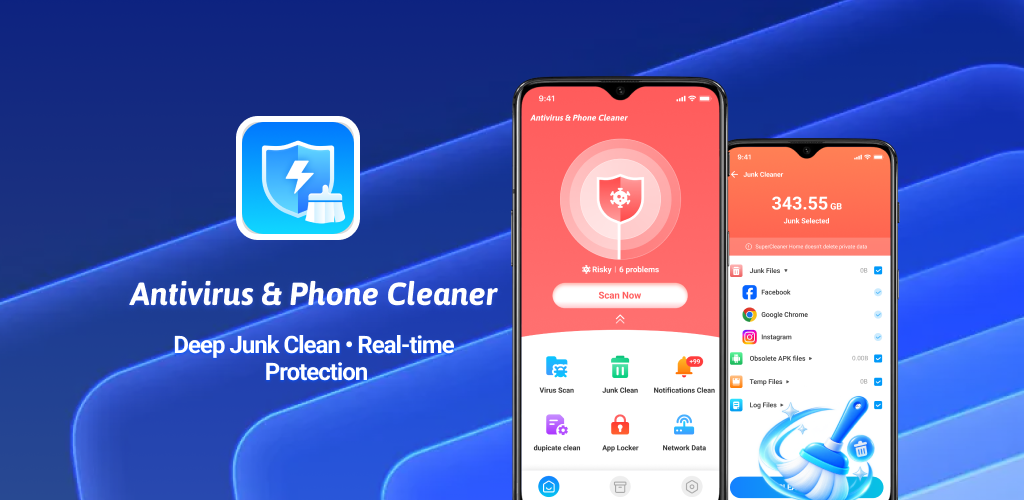
Built around the tasks that matter: checking your installed apps, reclaiming storage and managing device utilities in one place.
Review installed applications and identify items that need your attention, so you can decide what to keep or remove.
Find cache, temporary files and other unnecessary items to help free space for the things you use.
Access app, notification, network and device tools without bouncing between separate utilities.
Five focused experiences cover daily security checks, storage cleanup, privacy and device performance.
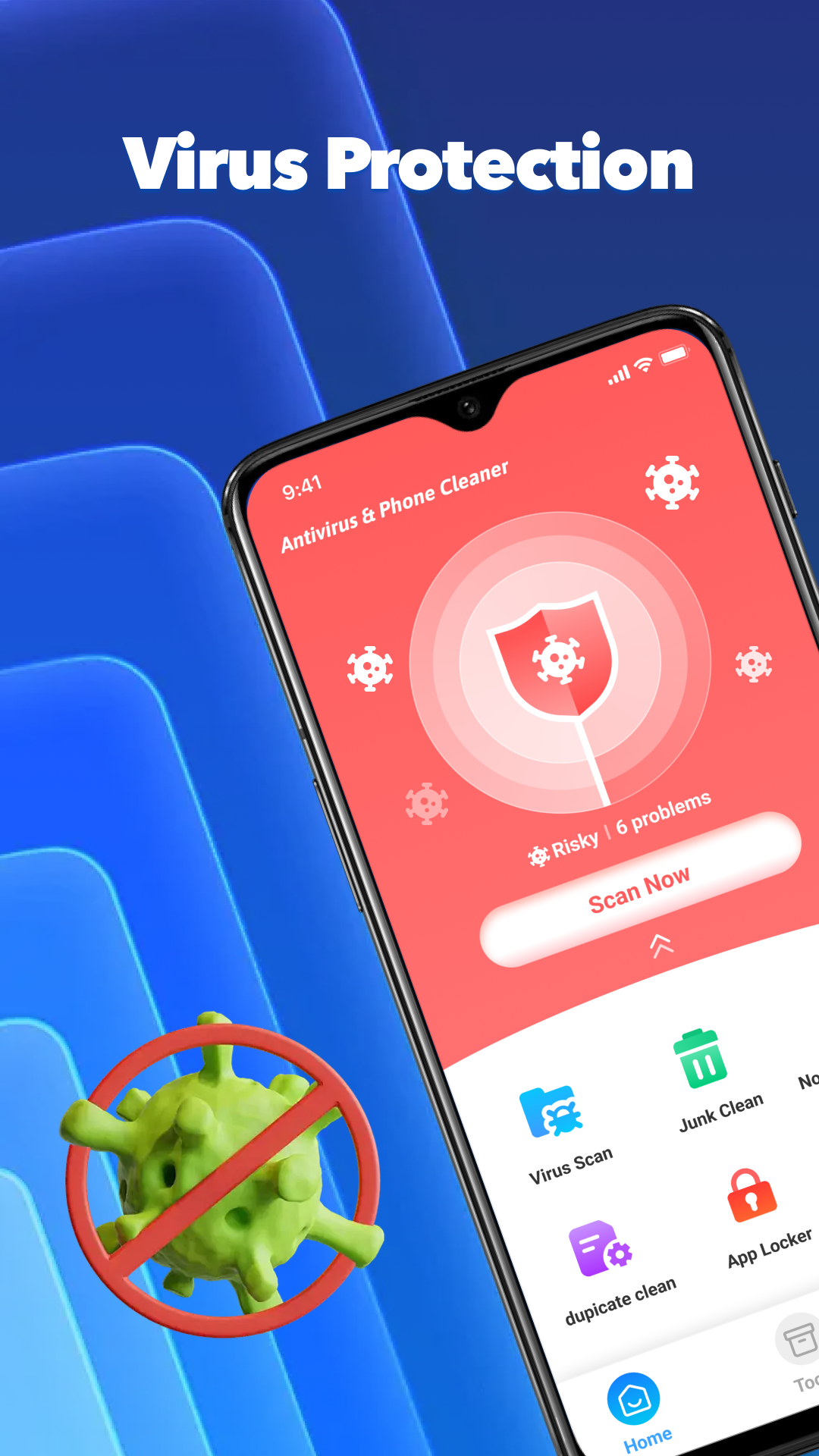
Start a virus scan from the home screen and review the protection status of installed apps.
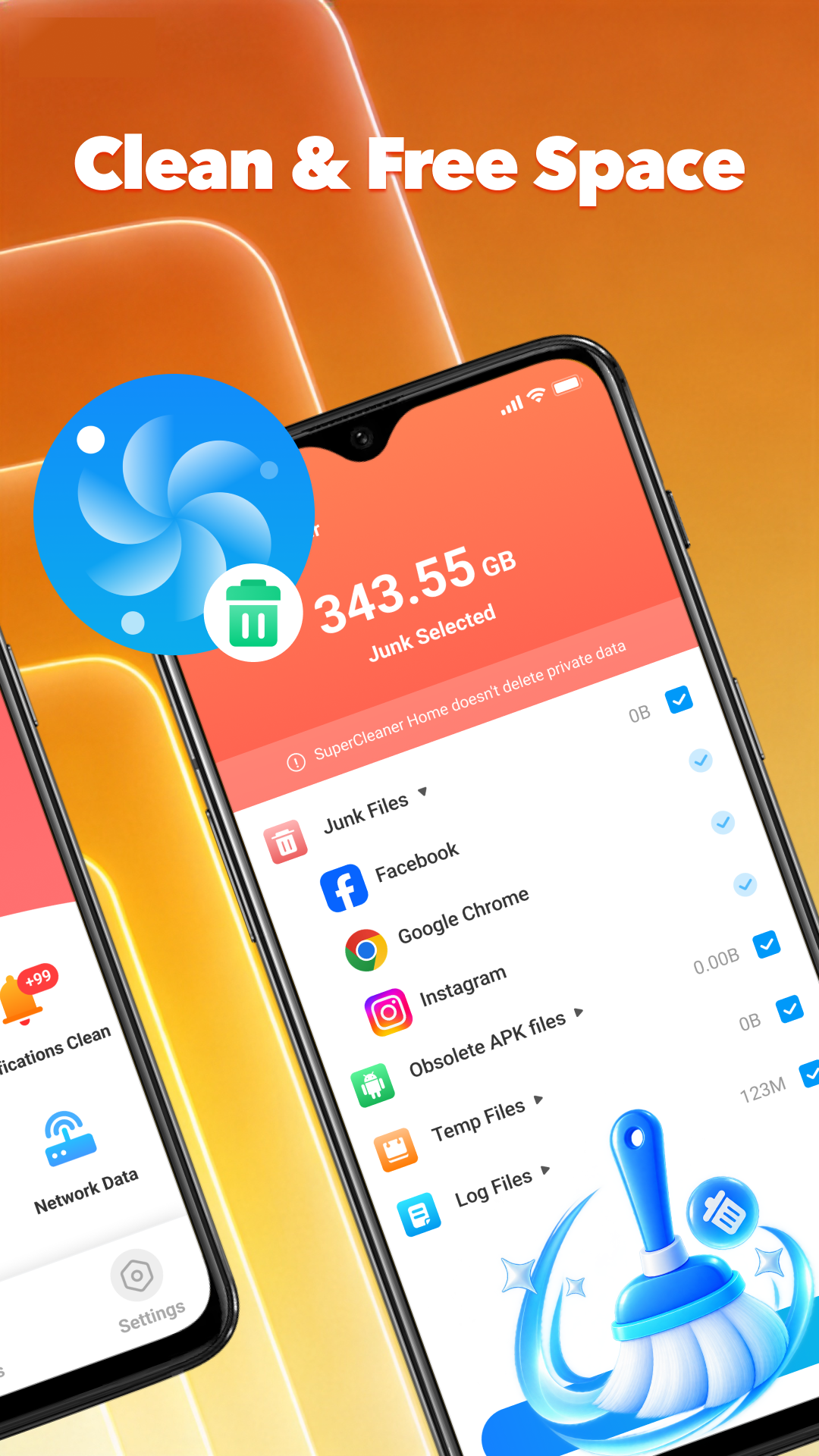
See the amount of junk selected, then review cache, obsolete APKs, temporary files and logs before cleanup.
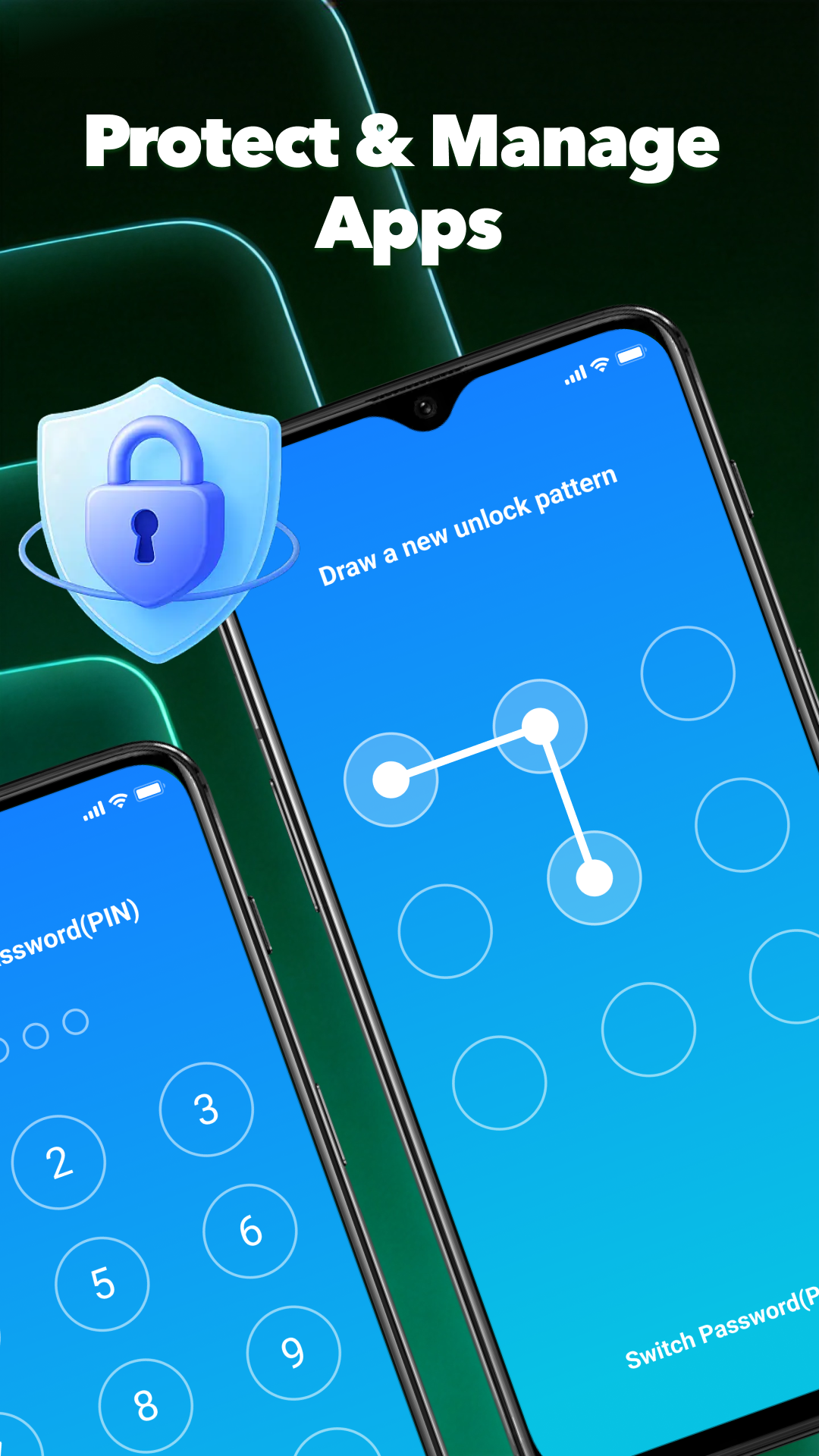
Choose a pattern or password to help protect the apps you want to keep private.
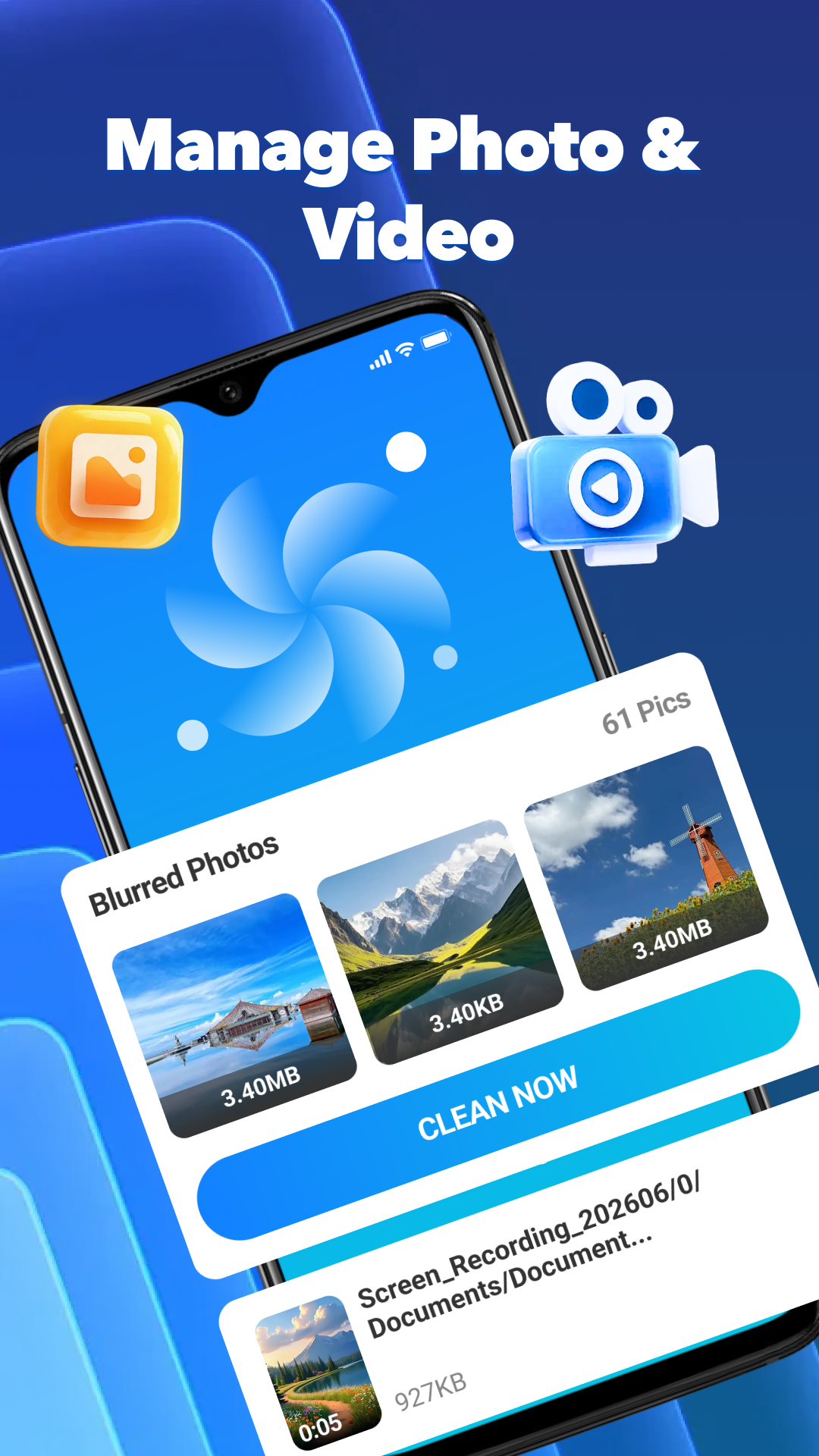
Review blurred photos and video files from a focused media management screen before choosing what to clear.
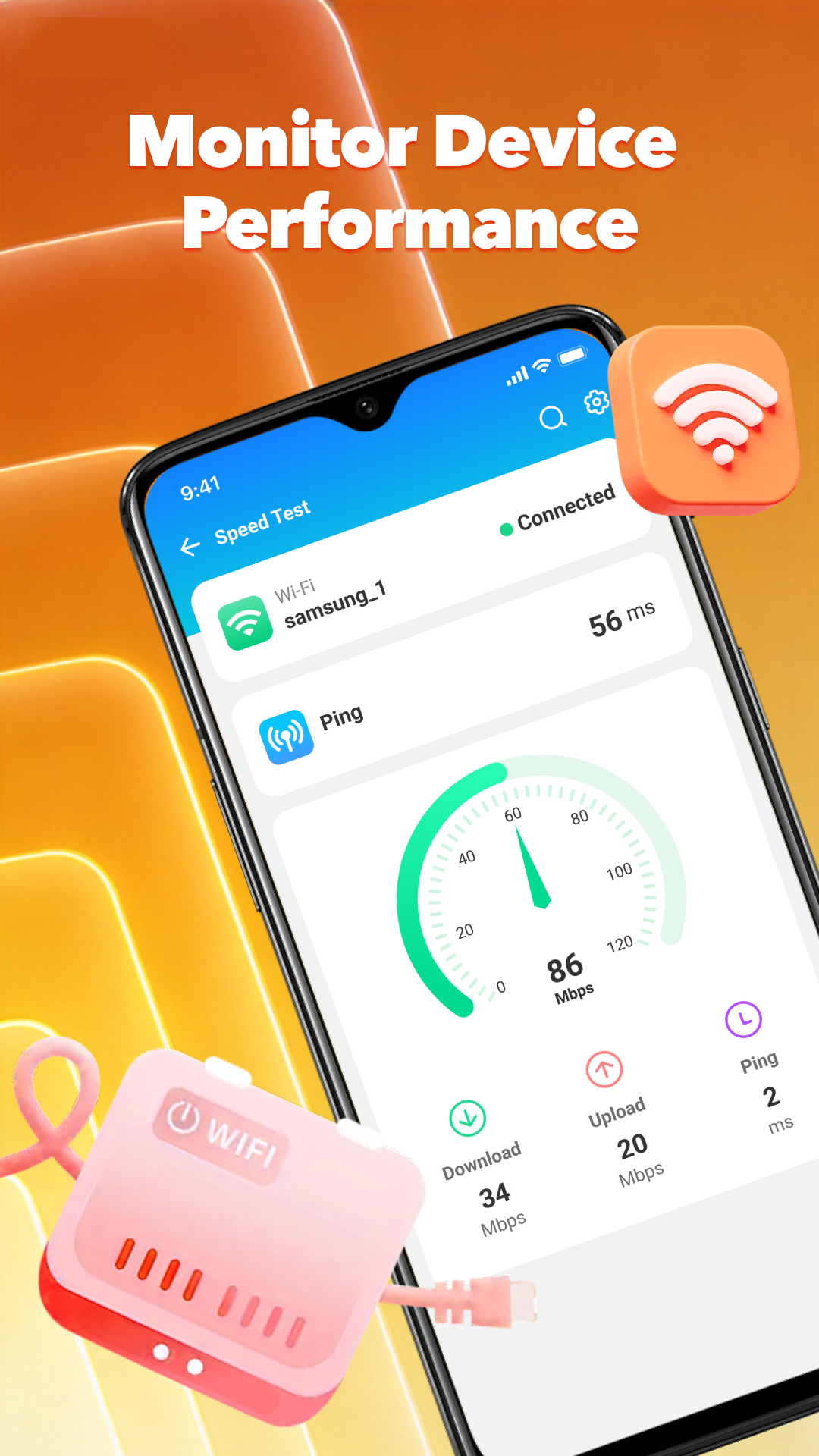
Run a Wi-Fi speed test and see download speed, upload speed and ping together on one screen.
Antivirus & Phone Cleaner brings essential security and cleanup tools together for Android.
Back to top